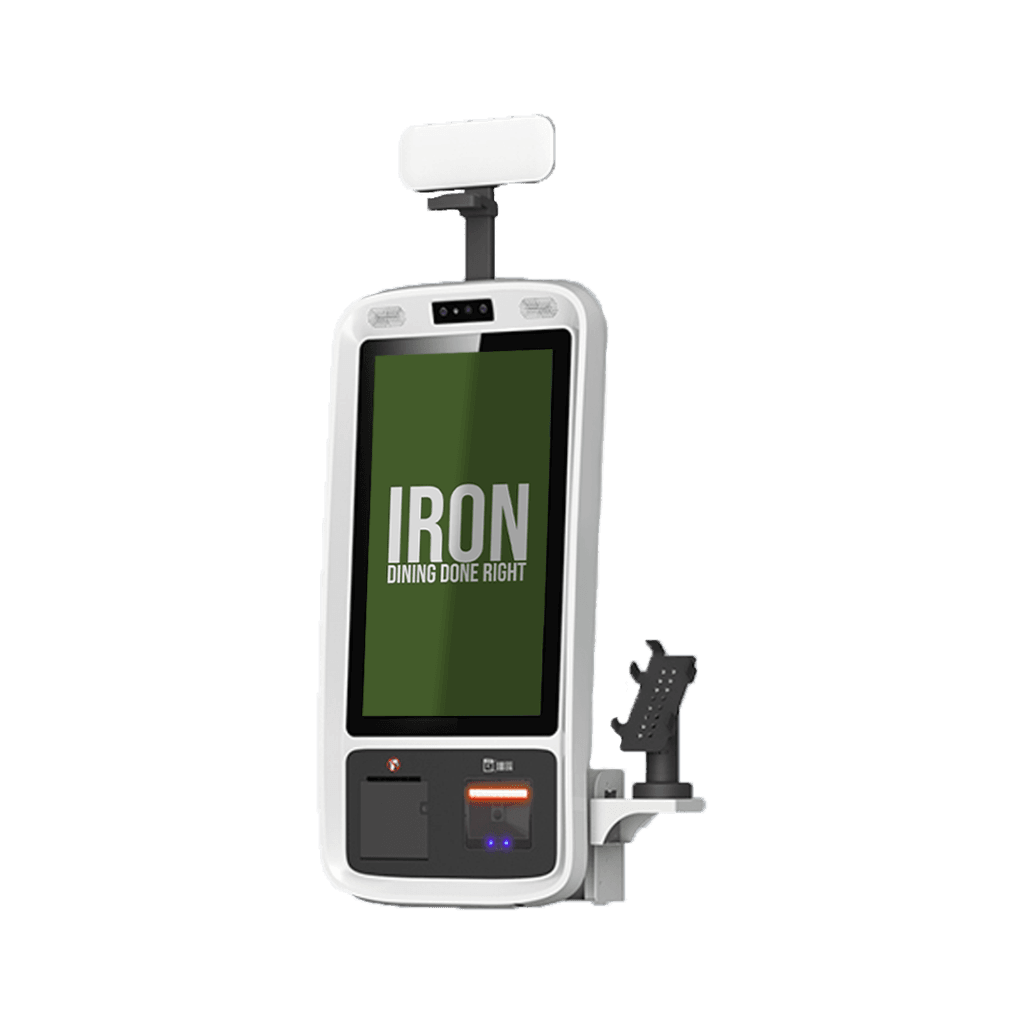
A smart ordering kiosk that increases sales, reduces wait times, and improves accuracy.
Iron Kiosk is a fast, well-designed digital ordering station that allows customers to place their orders independently, reduces congestion at the cash register, and enhances kitchen accuracy. Customers select dishes at their own pace, pay immediately, and the order is sent directly to the kitchen and Iron POS.
Common results for customers:
-
15–30% increase in average transaction size
-
20–30% reduction in wait times
-
Significant improvement in order accuracy
Why invest in kiosks?
-
Handling peak times:
-
Fewer lines: Multiple customers can order simultaneously.
-
Staff release: Cash register employees focus on hospitality and service.
-
Fewer errors: Customers enter their own order → higher accuracy.
-
-
User experience familiarity:
-
No social pressure: Customers choose leisurely and add extras easily.
-
Strong visuals: Pictures and appealing descriptions increase conversions.
-
Consistent upsell: 5–7 natural upsell suggestions throughout the process.
-
How does Iron Kiosk increase cart size?
-
Smart upsell that doesn’t feel like a “sale”
-
“Make it a meal?” before moving to the next step.
-
Upgrade sizes/extras are shown in the right context.
-
Dessert suggestions before payment and condiment additions in the virtual checkout.
-
Business Impact:
-
Consistent upsell increases revenue measurably.
Premium Default Options
-
Default “large” size: The customer reduces it if desired.
-
Extras arranged by profitability and popularity.
-
Ready-made bundles: “Triple deal,” “Couple’s meal,” with savings displayed.
Queue Reduction and Productivity Improvement
-
Double output during peak hours
-
More active ordering points simultaneously.
-
Average order time reduced by 35–40% compared to manual cash registers.
-
Customers begin ordering even before it’s their turn.
-
Order Accuracy at the Kitchen Level
-
Direct synchronization with KDS
-
Orders are sent to kitchen screens with all changes and additions.
-
Smart routing to stations (grill/salads/bar) and color-coded time tracking.
-
Reduced entry errors and waste.
-
Advanced Features
-
Interactive digital menu
-
Professional images, clear dish descriptions, and allergen information.
-
Categories and filters (vegetarian/vegan/gluten-free/kosher).
-
Quick search and multilingual support.
-
-
Full payment integration
-
Credit cards (Contactless/EMV/magnetic stripe), digital wallets, and payment apps.
-
Support for coupons/discounts and immediate reporting to the register.
-
Typical payment time: Less than 30 seconds.
-
-
Real-time dish availability management
-
Synchronization with inventory: Sold-out dishes disappear from the menu.
-
“Special” items based on hours/days.
-
Brief Specification
-
Hardware
-
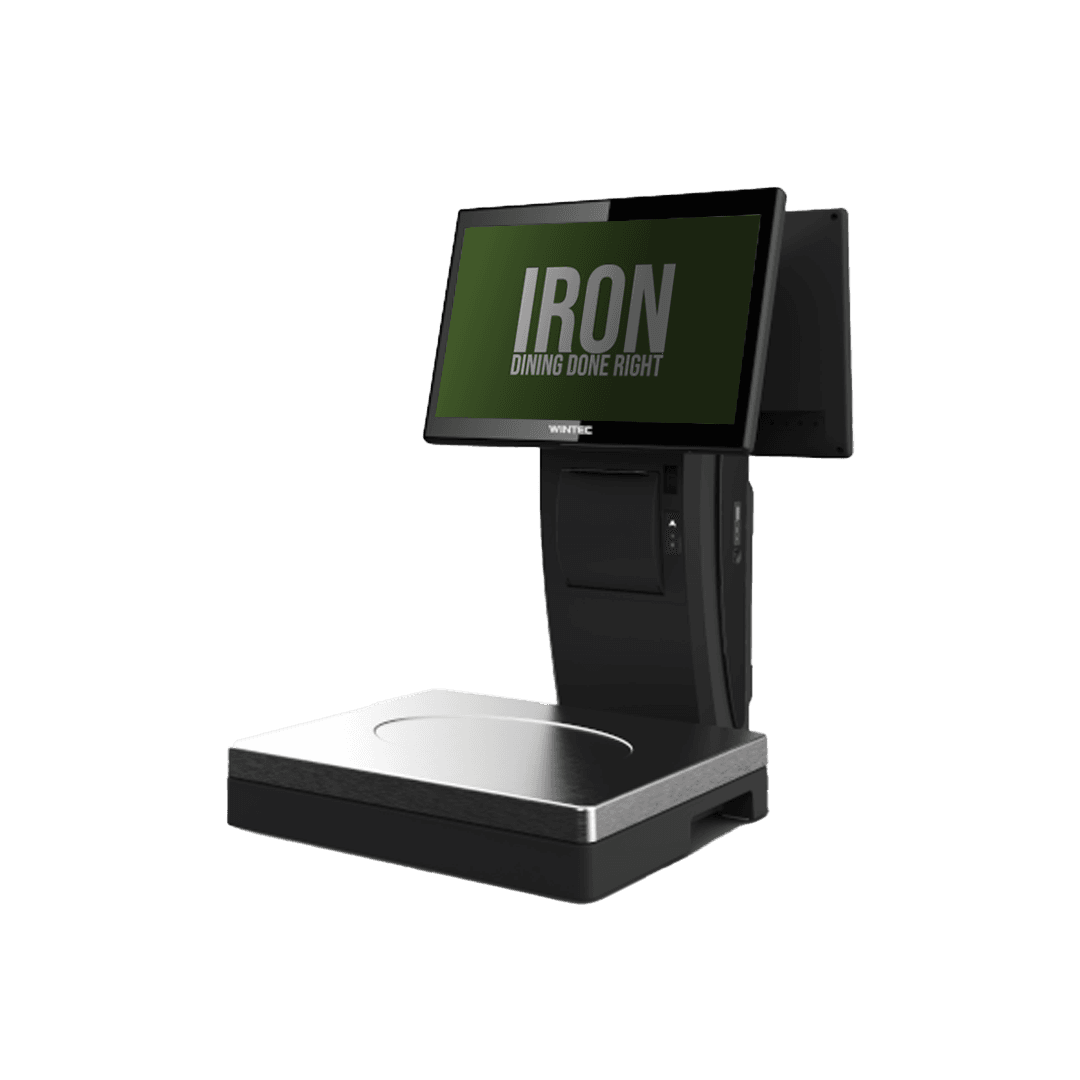
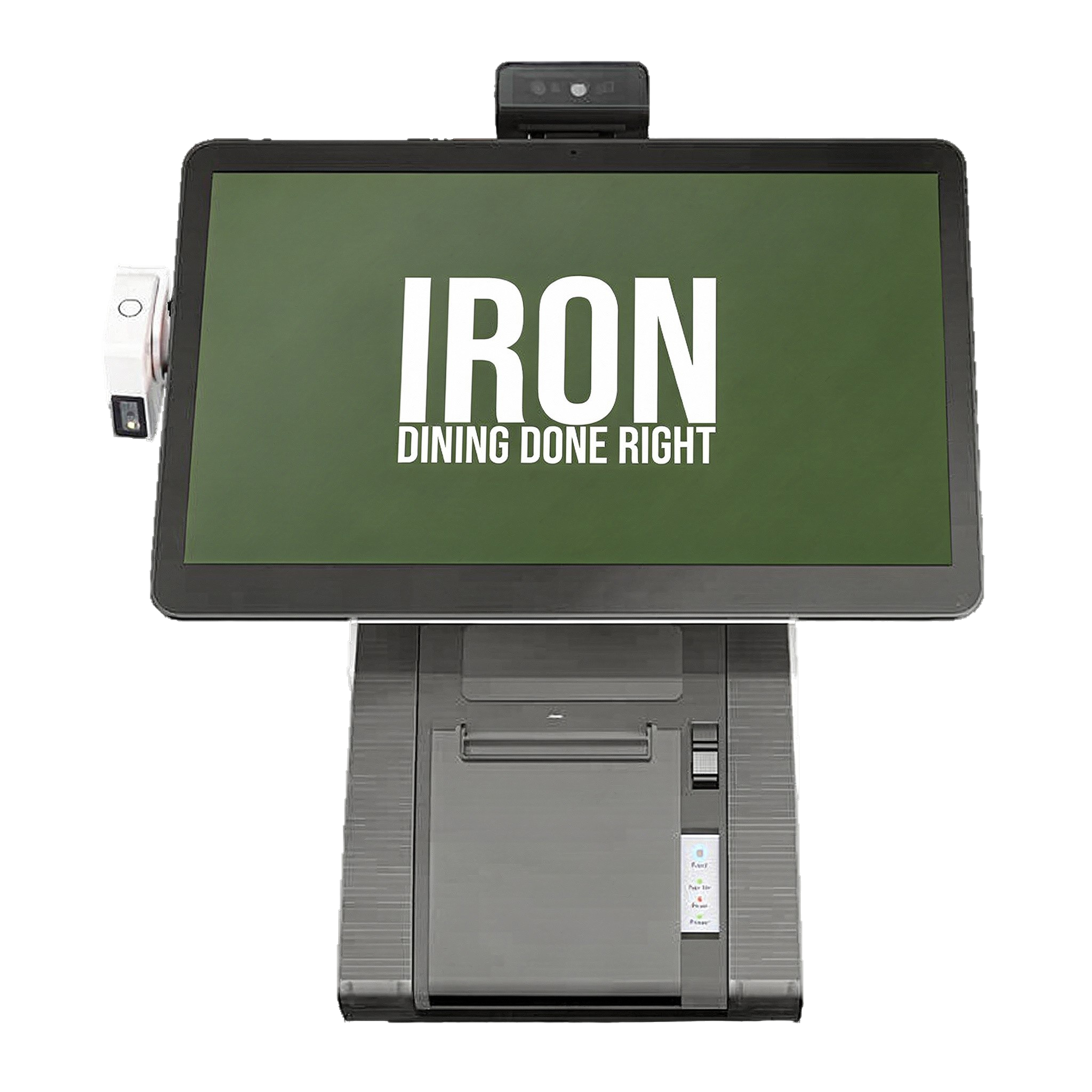
Touchscreens: 21.5″–32″, Full HD, multi-touch.
-
Rugged design for intensive use.
-
Connectivity: Ethernet, Wi-Fi, Bluetooth.
-
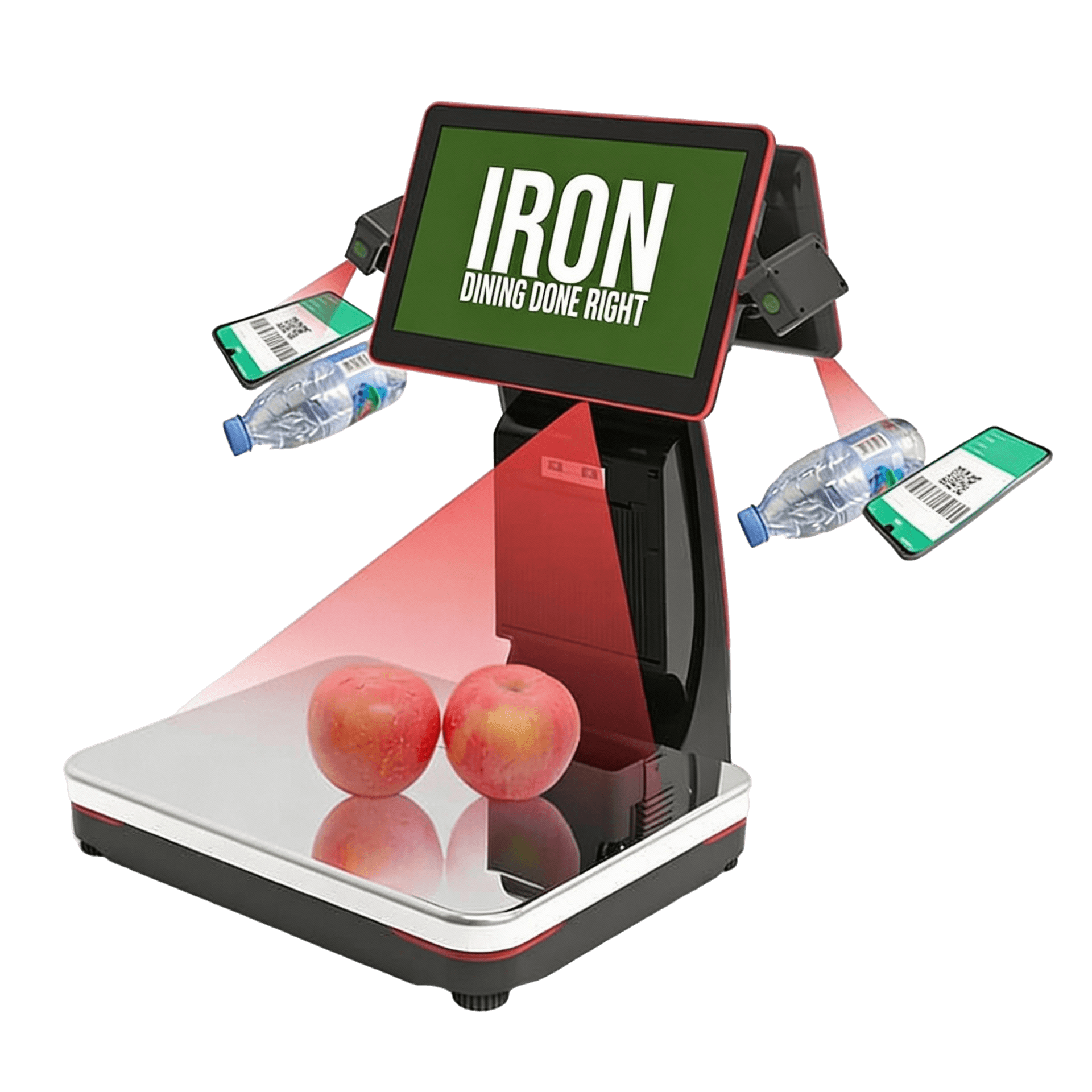
Option for receipt printer and barcode/QR reader.
-
-
Software
-
Clean and fast interface, brand customization (colors/logo).
-
Real-time synchronization with Iron POS and KDS.
-
Usage, sales, and upsell reports.
-
Security and encryption according to standard protocols.
-
Who is it suitable for?
-
Quick Service Restaurants (QSR) and cafes during peak hours.
-
Pizza places with multiple customization options.
-
Chains and cafeterias requiring consistency and speed.
-
Malls and food courts.
Business Advantages in Brief
-
Increased sales: Higher cart size and consistent upsell.
-
Queue reduction: Less waiting, more flow.
-
Accuracy: Self-ordering + KDS = fewer errors.
-
Staff cost savings: Team available for service and experience.
-
Quick ROI: Typical return on investment within a few months.
Implementation Process
-
Consultation and planning: Mapping peak times and kiosk locations.
-
Digital menu design: Images, descriptions, and upsell.
-
Supply and installation: Placement and infrastructure setup.
-
Integration: Connecting to Iron POS and KDS.
-
Training and launch: Supported activation and close assistance.
Typical implementation time: 1–2 weeks (depending on scope).
Frequently Asked Questions
-
How many kiosks are needed? Depends on throughput. Every 50–100 customers per day → 1–2 kiosks.
-
Does it work offline? Yes, offline mode with synchronization once the connection is restored.
-
Is it suitable for older customers? The interface is intuitive; “Call for assistance” can be added.
-
Is it brand customizable? Yes – colors, logo, and visual language.